Support and sales teams
Save common replies, product notes, and guidance text for faster email and chat responses.
Save prompts, replies, code blocks, and templates on Mac.
Insert them from the iPhone keyboard without switching apps.

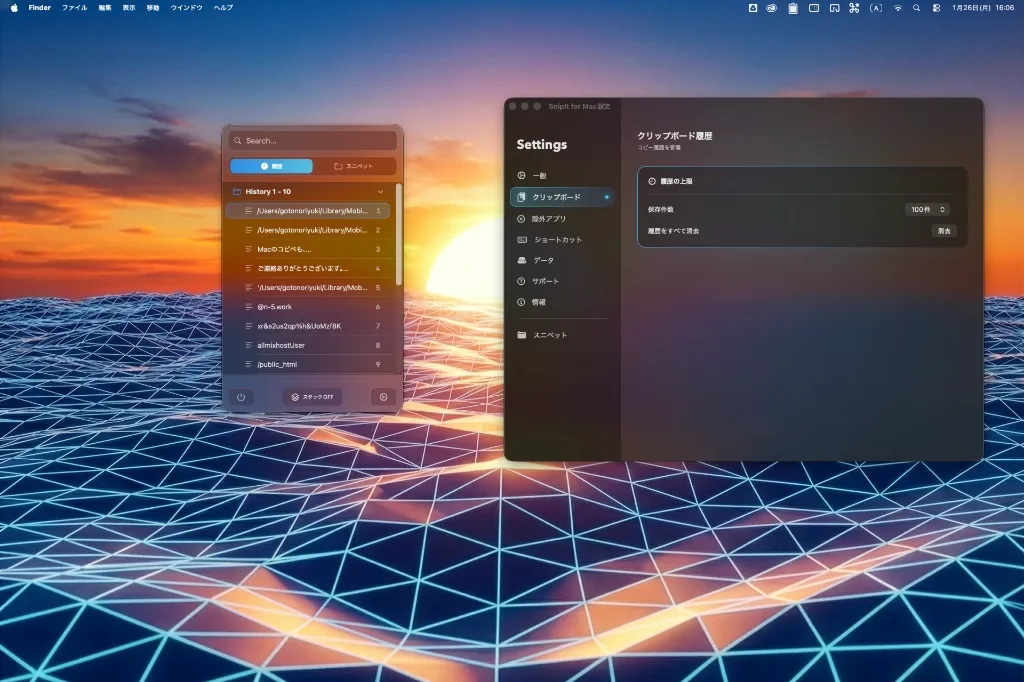

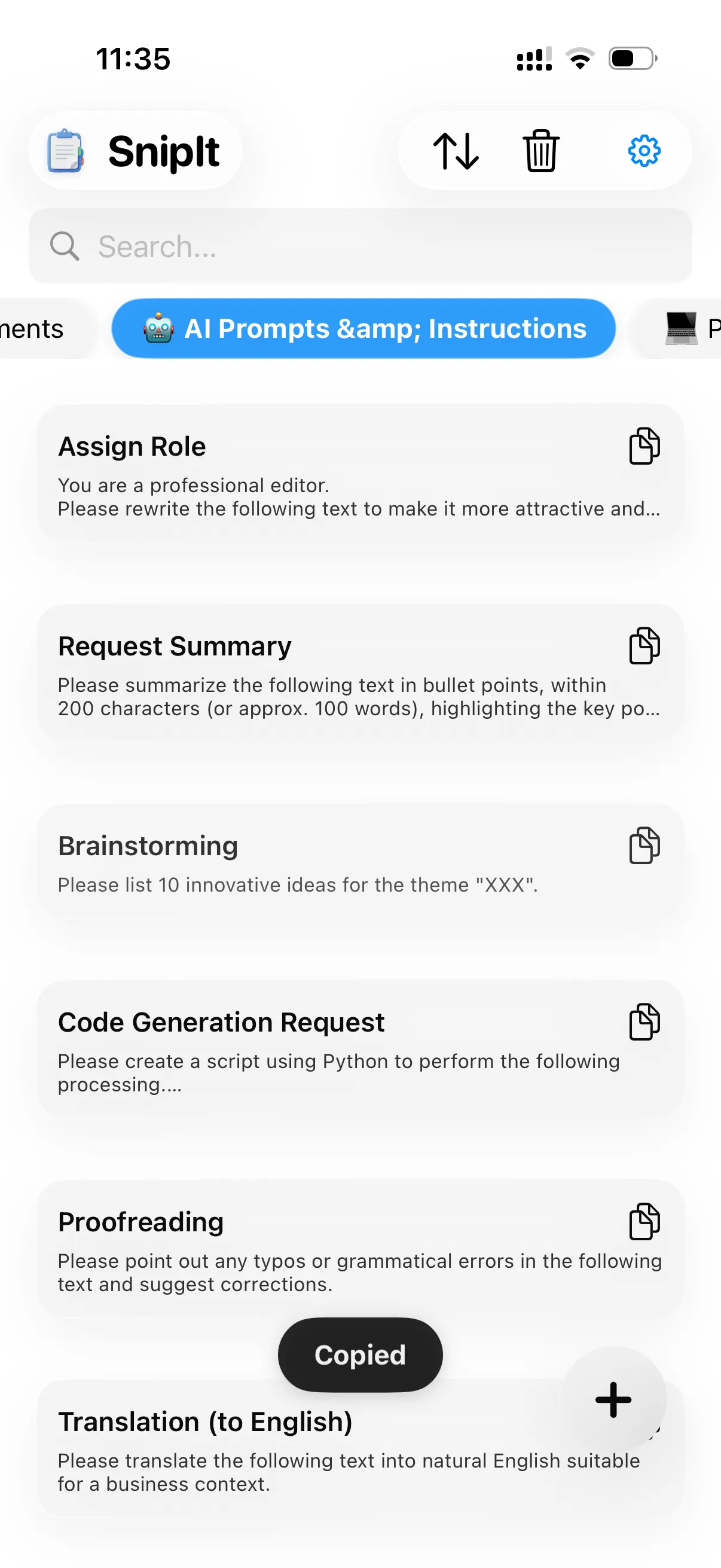
App summary
Who it helps
It keeps reusable replies, code fragments, and templates organized across Mac and iPhone so they are ready when you need them.
Save common replies, product notes, and guidance text for faster email and chat responses.
Store code snippets, commands, and Markdown templates to reduce typing errors and search time.
Use important snippets on both Mac and iPhone, including while working away from your desk.
Use cases
SnipIt helps with everyday searches around text snippets, reply templates, reusable phrases, and code snippets across Mac and iPhone.
Keep ChatGPT, Claude, Gemini, coding, writing, translation, and research prompts ready as reusable templates.
Use saved prompts and text snippets while writing in AI apps, chat apps, forms, and notes on iPhone.
Keep commands, code snippets, Markdown headings, and table templates ready for daily work.
Official links
Use these official pages for support, privacy information, and terms of service.
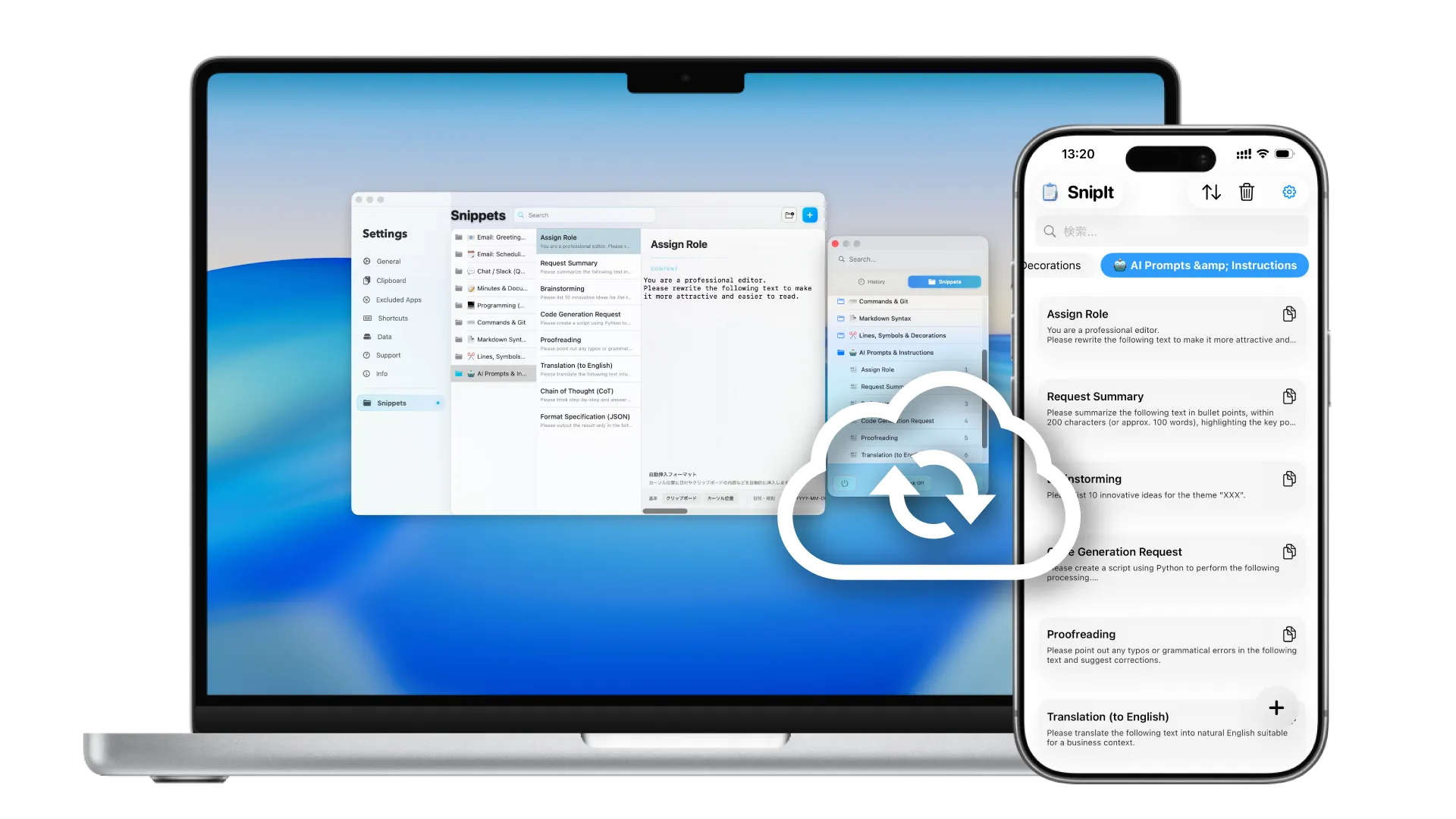
No more emailing templates to yourself.
Snippets saved in SnipIt are automatically available across all your devices through your iCloud
account.
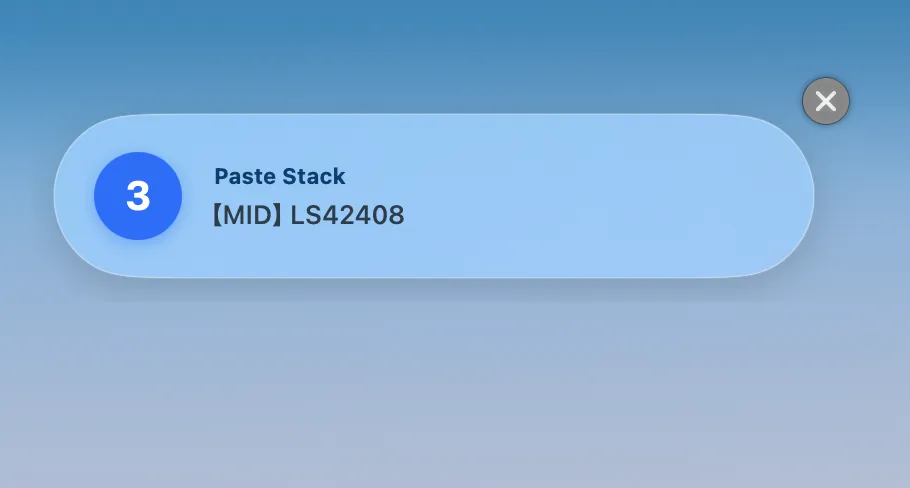
Stack multiple items and paste them in order.
Dramatically improve efficiency for form filling and code refactoring.
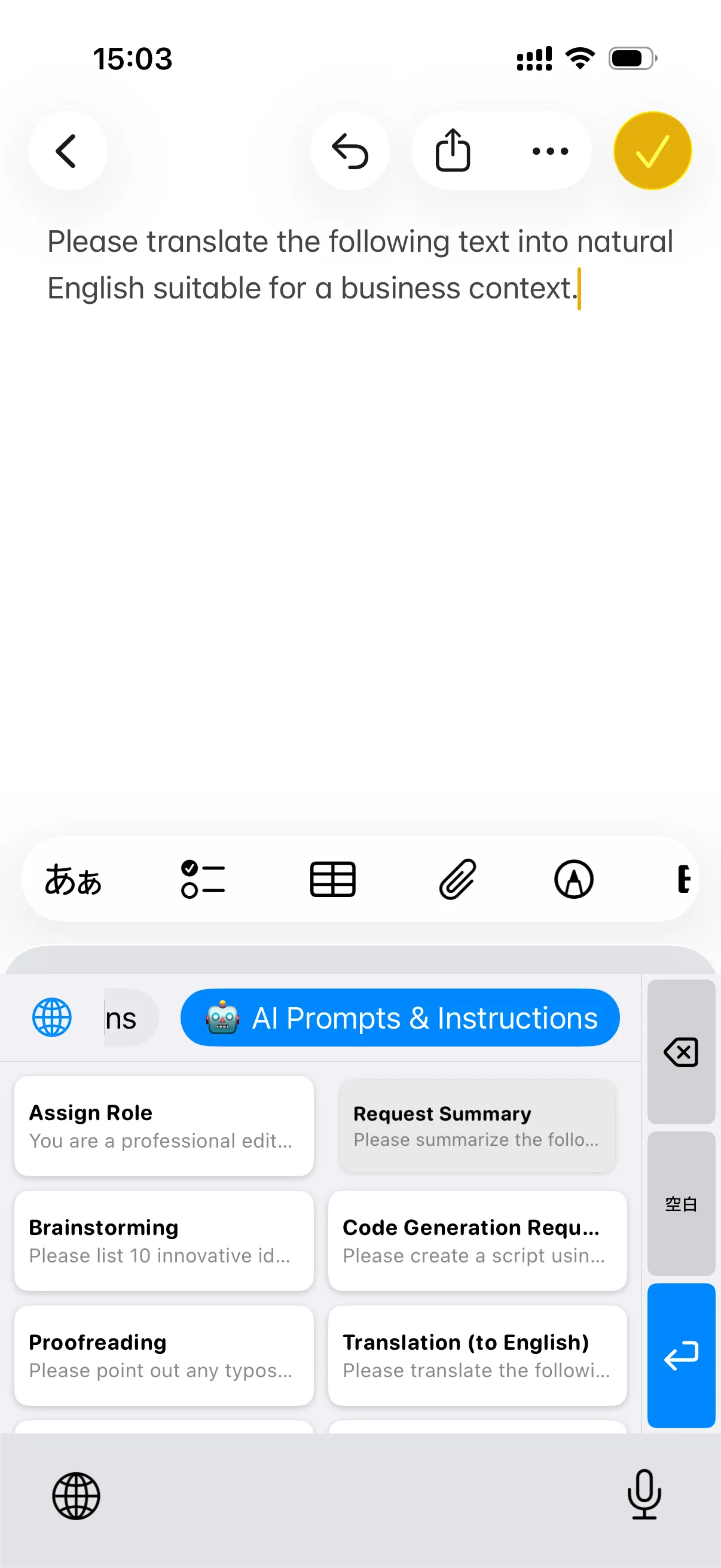
No need to switch apps just to copy templates.
With the SnipIt keyboard, you can call up and paste snippets directly from any app like
Messages, Slack, or Notes.
We support XML format import/export.
Easily migrate your existing data or quickly create backups of your important snippets.
Official facts
SnipIt is a snippet manager for Mac and iPhone that keeps reusable text, code fragments, and replies close at hand.
SnipIt is a snippet manager for saving and inserting frequently used text and code fragments from Mac and iPhone.
Yes. SnipIt can use iCloud to keep snippets available across the Mac and iOS apps.
SnipIt offers basic features for free. Pro unlocks unlimited sync and advanced capabilities for users who need more.
No, SnipIt does not rely on a separate SnipIt server for storing snippet content. It is designed around local storage and iCloud sync.
Yes, SnipIt supports XML import and export. This makes it easier to migrate existing snippets or keep backups.
Basic features are free.
Unlock unlimited sync and advanced features with Pro.
Requires macOS 14.0+ / iOS 17.0+